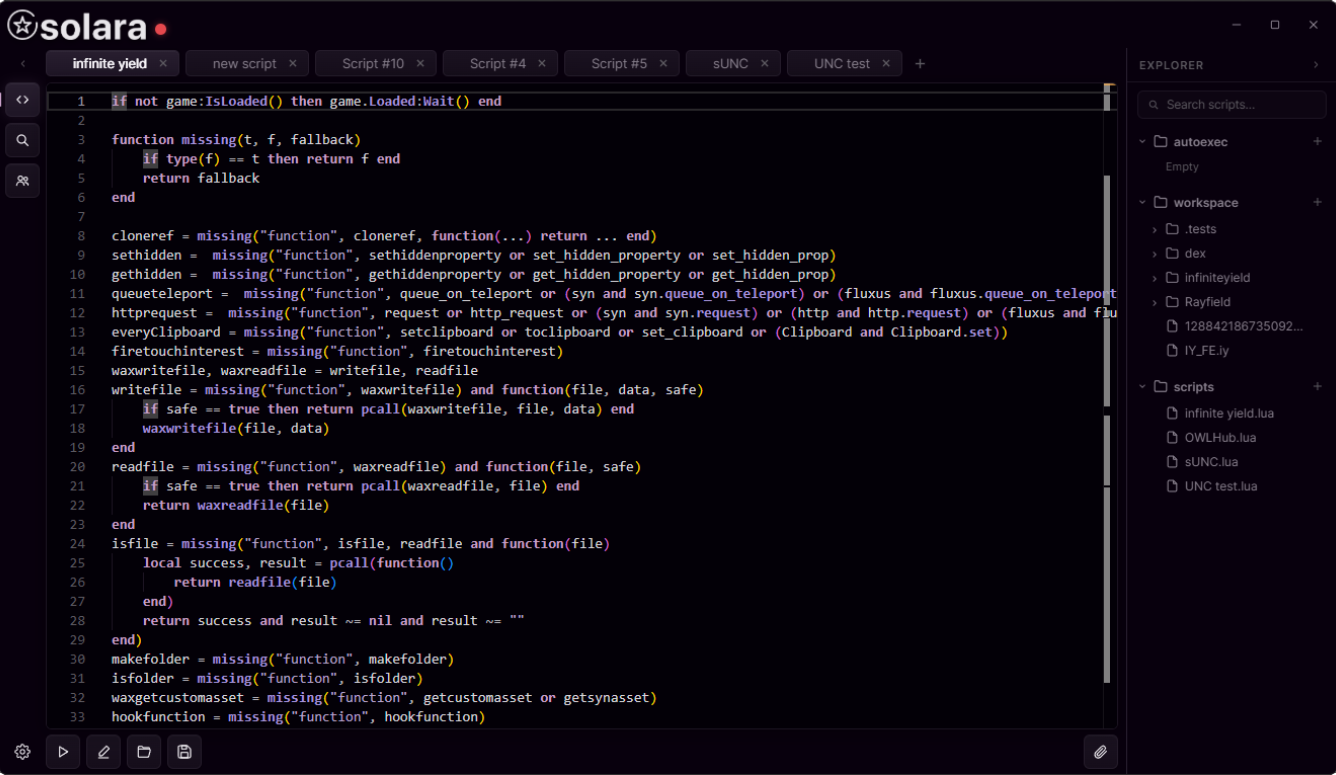
 Interface preview
ROBLOX EXECUTORS
Your next
Roblox executor.
Choose your executor. Download from the original publisher.
Interface preview
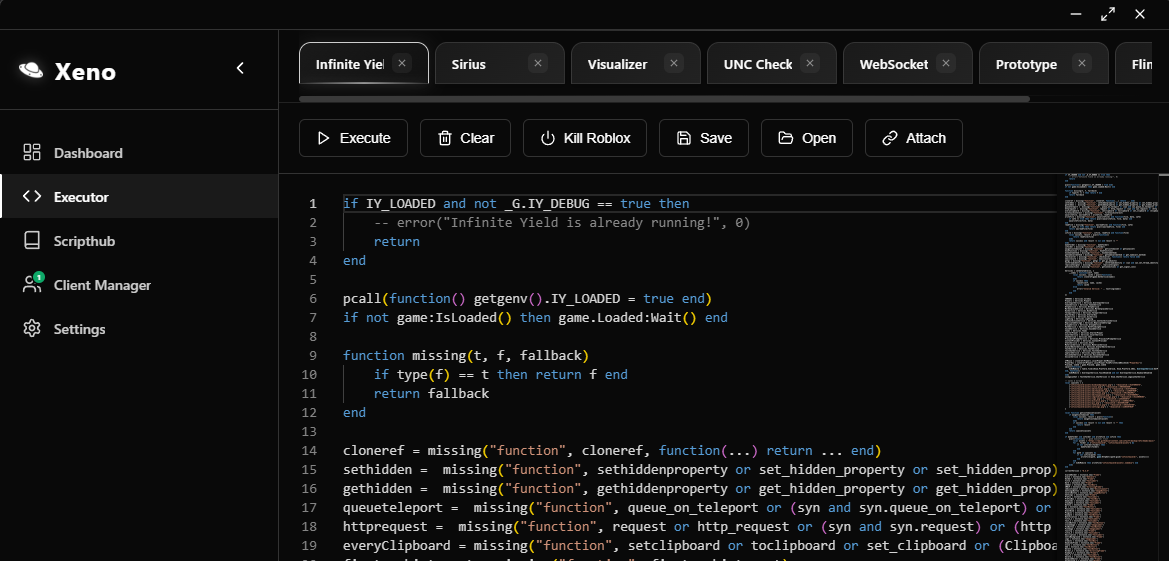 Interface preview
Downloads open on the publisher’s website.
Start with your platform
An executor and a script are separate parts of a setup. Check the specific release’s operating system, device and Roblox client requirements.
Windows
Solara and Xeno are listed for Windows. Open each listing for its requirements, interface preview and original source, then check the publisher’s release notes for current client support.
Android
Mobile releases can specify an Android version and device architecture. Check the developer’s installation instructions and supported client version. A desktop listing does not establish Android compatibility.
iOS
Read the specific release’s supported iOS versions, installation method and signing requirements. Use its own platform details when comparing compatibility.
A Roblox executor runs Lua or Luau scripts in a Roblox client environment. The script defines the behavior; the executor provides the functions and environment it uses. Compatibility depends on both.
Compare original sources, release history, platform requirements and any keys or subscriptions. Download buttons on RBLXEXEC open the source attached to the listing. An interface preview or an accessible link does not demonstrate compatibility with the current Roblox client.
Browse the script catalog, explore cheat hubs, or jump to Blade Ball and RIVALS. Each detail page brings together the available source, code and game information.
Common questions
What is the difference between an executor and a script?
An executor is the application that runs a script. A script is the Lua or Luau code that supplies features or actions. Read the requirements for both.
Does one executor support every Roblox script?
Support depends on the functions a script uses, the executor’s implementation and the current Roblox version. Game updates can also affect individual features. Compare the script’s notes with the executor’s documentation.
Where do the download buttons lead?
Executor download buttons open the original source linked in the listing. Open Details to see the description, platform information and source before downloading.
Where can I find scripts for a specific game?
Open the game directory or use the search and filters in the script catalog. You can save listings for later from their cards and detail pages.